
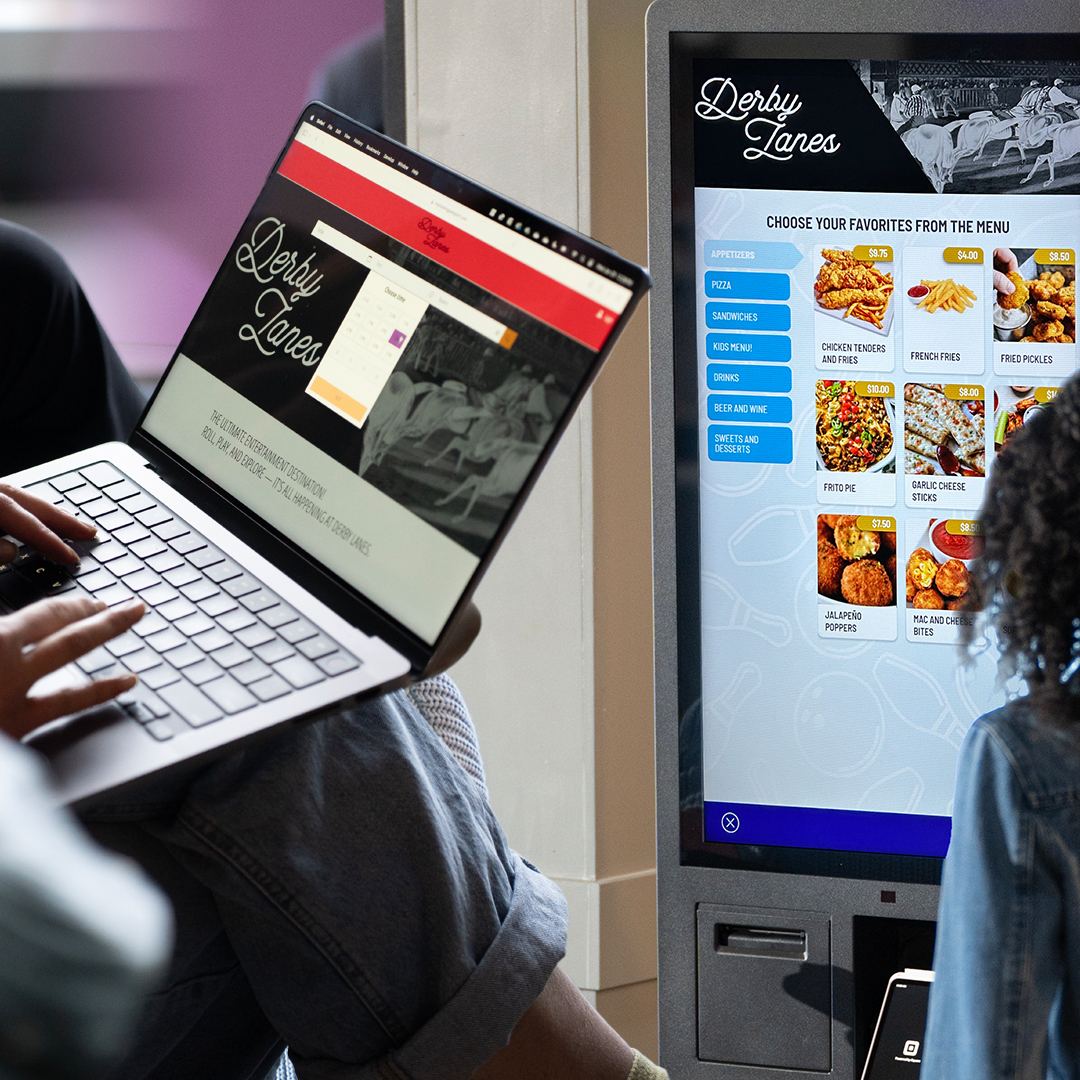
Conqueror Web & Kiosk
Conqueror Web and Kiosk equip centers with end-to-end consumer digital purchasing touchpoints that drive ultimate control for businesses and deliver customer excellence with convenience, efficiency and transparency.
News
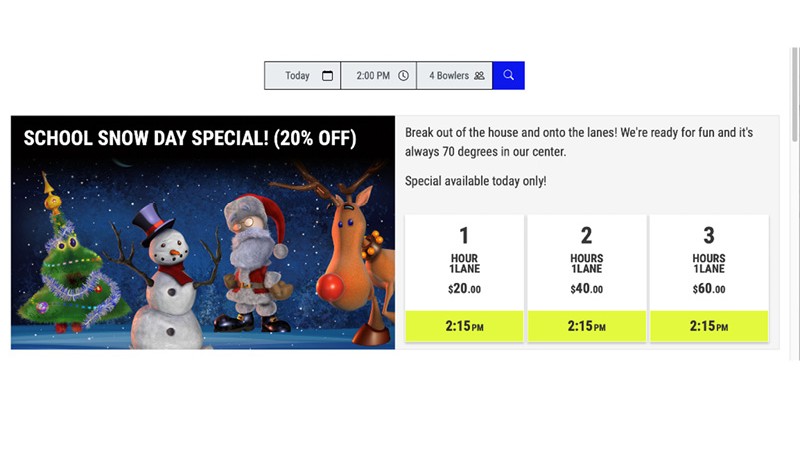
During holidays and school vacations you may want to use a special price promotion to attract customers and generate additional revenue. When using the Ex1, Ex2 & Ex3 pricing with the Calendar, remember that ONLY price keys with those dynamic prices set will be available.
Changing the setting on the Calendar also tells Conqueror Web what pricing to look for; make sure that the Ex1, Ex2 & Ex3 choices in Bookable Days/Hours and in each offer you want to use are enabled.
***If you’re using Conqueror plus Square Restaurant POS, you will need to define a new item and price for that period, as well as create a new web offer. You can then limit the dates/times of the 'special' using a custom period in availability and turn off any regular offers using custom period with open times set to 'Not Bookable'.
Find additional tech tips related to the Conqueror Web calendar, price keys, modifiers and more in the Tech Tip podcast links below: