

Conqueror Plus Square
The modern, omnichannel payment solution for bowling entertainment centers. With both systems working tightly together, you can deliver the right service for your guests in the right places throughout your business.
News
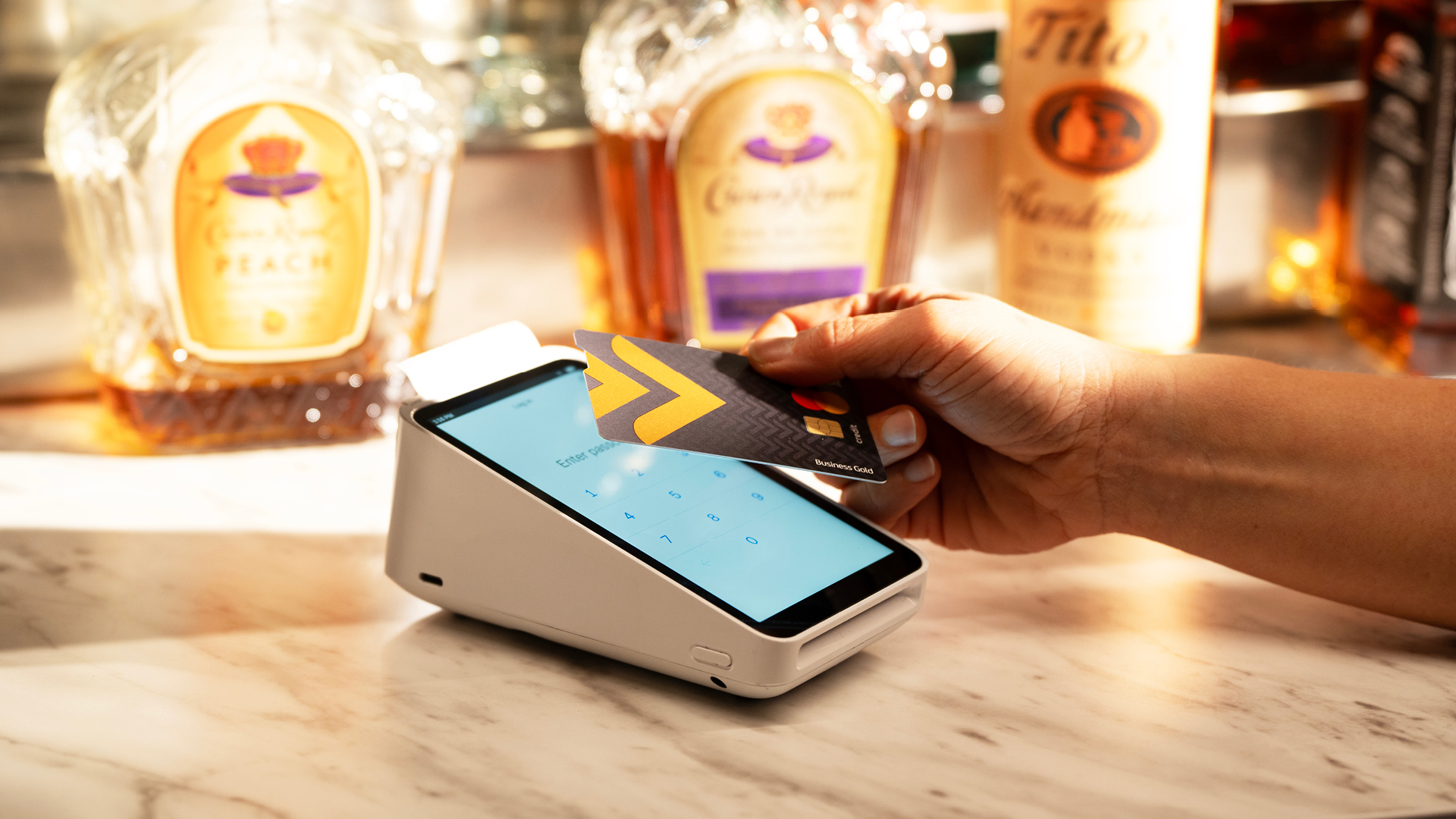
Integrating Conqueror plus Square Payments brings big benefits to any bowling entertainment business and many improvements over other current offerings including:
Speaking of sleek and intuitive hardware for outstanding staff and guest experiences, did you know that you can customize your Square payment terminals? You can!
While by default the terminals are set to display “Powered by Square” with the Square logo, you can easily update the screen to show your center name, logo or a custom image.
How to Customize Your Square Payment Terminal Screen
To apply your business name or a custom logo on the Square payment terminal, follow the steps below:
For more information, check out this Square article: Add and manage background images on Square Terminal.
For more resources about Conqueror plus Square Payments, visit the QubicaAMF Maximization Resources site.